
As an Amazon Associate, LookItAllUp earns from qualifying purchases.
This guide is for parents and teachers deciding whether a more involved children's title is worth committing to. The headline verdict: the extra value in this list comes from replay and lasting educational depth, but only if the software runs on your computer, so check compatibility before anything else. Mythic Ocean and Oregon Trail offer the most long-term play, while the older business and kindergarten titles carry the most install risk.
Our top picks
Its choice-driven story and thousands of possible endings reward repeat play, and it runs on Nintendo Switch instead of an aging PC.
See it on AmazonReviewers describe hours of play for kids and adults and say it teaches pioneer history, though Windows 10 compatibility is a known problem.
See it on AmazonMore than 300 lessons across five difficulty levels give a long math runway for ages 6 to 8, though some buyers report freezing.
See it on AmazonHead to head
Oregon Trail vs Math Blaster Ages 6-8: which should you get?
- Replay and depth
- Branching journey with choices about companions, gear and hazards that buyers say they return toStructured lesson path of 300-plus lessons across five difficulty levels
- Compatibility
- Reviewers report significant problems on Windows 10 and outdated font requirementsLists Windows XP through Windows 7 support, and some buyers report freezing
- Educational focus
- History and decision-making, including perspectives of several groups of settlersMath from addition and fractions to number patterns and problem solving
- Best age fit
- Older children and adults who enjoy a story-driven challengeChildren ages 6 to 8 building structured math skills
Bottom line: Choose Oregon Trail if you want a history game that adults will also play and you can confirm it runs on your machine. Choose Math Blaster if the goal is steady math progress for a child in the 6 to 8 range and your computer meets the listed requirements.

Only worth it if it installs cleanly#1 best seller
MySoftware Business Publisher
MySoftware My Software Business Publisher
This is the one non-learning title on the list, aimed at making marketing materials rather than teaching children. Buyers are split on quality and value, with some feeling it earns its cost and others calling it not good. The most serious complaint is functional: one reviewer reported the software would not download to their PC.
If you need a simple publishing tool for a home business or school fundraiser, treat the purchase as a gamble on compatibility and confirm your setup will accept the download before committing.
What we like
- Built for creating marketing materials, not general play
- Some buyers feel it is worth what they paid
Keep in mind
- Mixed opinions on quality and value for money
- At least one buyer could not get it to download to their PC
Best for: Adults who need a basic publishing tool and can verify it installs on their computer first.

Best long-term buy for history lovers#2 best seller
Oregon Trail 5th Edition
The Learning Company - Oregon Trail 5th Edition
Oregon Trail stands out for replay. Players choose an occupation, travelling companions and a destination, then face rivers, hunting, and disease on the way west. Buyers describe hours of fun for both kids and adults, and many say it teaches a lot about pioneer life, including the perspectives of Irish, African American and Native American settlers.
The catch is age. Reviewers report real compatibility trouble, especially with Windows 10, and some mention font requirements that no longer apply. Feedback on the version itself is divided, with some calling it outdated and others saying it was ahead of its time.
What we like
- Long, decision-driven play that buyers say they return to
- Covers pioneer history from several settlers' viewpoints
- Strong appeal for both children and adults
Keep in mind
- Reviewers report significant problems on Windows 10
- Some find the older version dated
Best for: Families and classrooms who want a history-based game that lasts for years, provided the computer setup is confirmed to work.

Worth the splurge for replay value#3 best seller
Mythic Ocean for Switch
Mythic Ocean - Nintendo Switch
Mythic Ocean is the most modern title here and the only one on Nintendo Switch rather than an older PC platform. It mixes visual-novel conversations with free exploration of an ocean, and your advice to six gods and a cast of sea creatures shapes how the world turns out. The product details point to thousands of possible outcomes, which is where the extra value comes from.
Buyers describe it as very well liked, and it is pitched at both children and adults. It rewards patient players who enjoy talking through choices and seeing consequences over time.
What we like
- Thousands of possible endings reward repeat play
- Runs on Nintendo Switch, avoiding old PC compatibility issues
- Suits children and adults with the same content
Keep in mind
- Dialogue-heavy pacing may not hold younger children's attention
- Works only on the Nintendo Switch platform
Best for: Switch owners and older children or adults who like story-driven choices and open exploration.

Best for a full kindergarten year#4 best seller
Jumpstart Kindergarten
Jumpstart Kindergarten packs 16 games and puzzles covering over two dozen early skills, from pre-reading and rhyming to counting, shapes and telling time. Its special features include progress reports and automatic difficulty adjustment, which means it tries to keep pace with a child rather than sitting at one level.
Reviewers say it is easy to use and that 6-year-olds in particular enjoy it, with parents of 4 and 5-year-olds noting real help with math and reading. The older system requirements (Windows 98 through XP) are the main concern, and several buyers say it does not run on their computers.
What we like
- Covers a full year of pre-reading, math and language
- Adjusts difficulty automatically and includes progress reports
- Reviewers say it is easy to use
Keep in mind
- Several buyers report it does not run on their computers
- Listed requirements date back to Windows 98 through XP
Best for: Parents of preschool and kindergarten-age children who have a compatible older computer or a way to run legacy software.

Best for a longer restaurant campaign#5 best seller
Diner Dash Restaurant Rescue 2
This sequel adds five new restaurants, seven customer types (four of them new), and more than 130 decor upgrades, so there is a lot to build out over a long session. Players seat customers, take orders, serve drinks, deliver food and collect tips, while helping Flo and fellow owners take on a tycoon.
Opinions are mixed. The listed compatibility runs from Windows 98 through Vista, which is well behind current systems, so older machines or emulation may be needed.
What we like
- Five new restaurants and four new customer types
- More than 130 decor upgrades to unlock
- Clear, fast-paced gameplay loop
Keep in mind
- Opinions on the game are mixed
- Compatibility stops at Windows Vista
Best for: Older players and teens who enjoy management games and have a vintage Windows setup.
Best upgrade pick for math practice#6 best seller
Math Blaster Ages 6-8
Math Blaster Ages 6 - 8
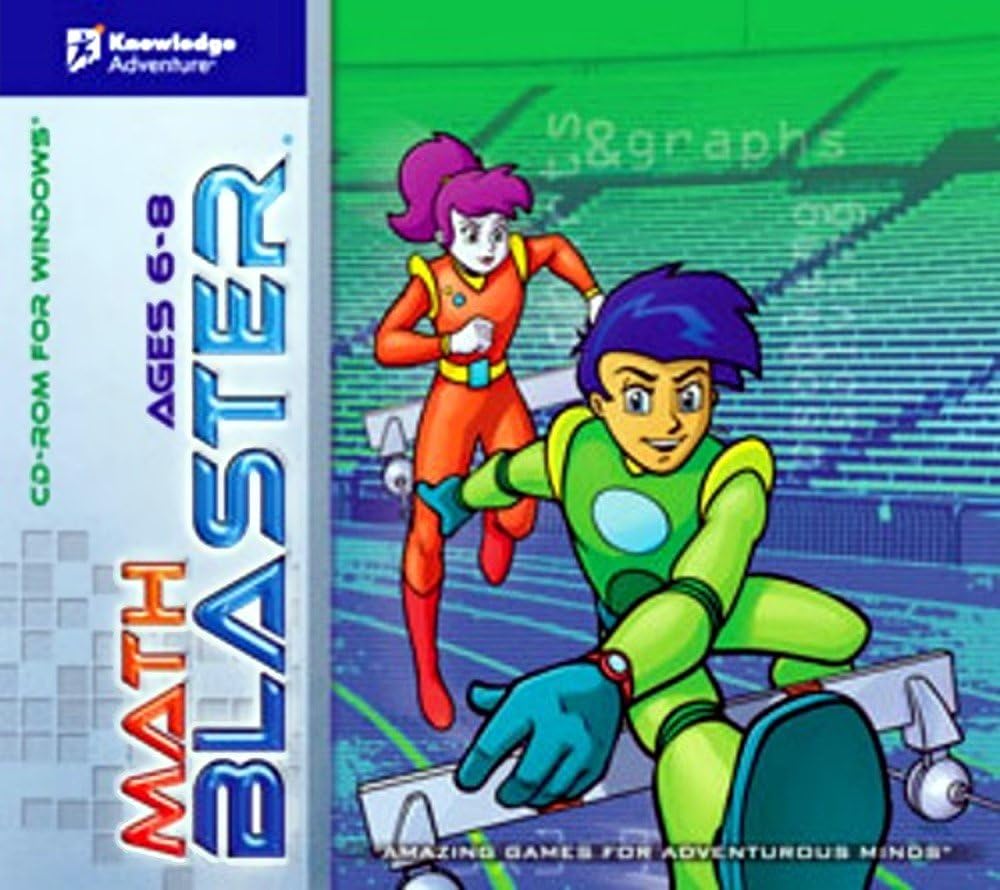
Math Blaster Ages 6 to 8 offers the broadest skill list on this page, covering addition, subtraction, multiplication, fractions, number patterns, charts and problem solving. The product details describe over 60 skills, more than 300 lessons, and five difficulty levels, along with printable puzzles and an interactive math board.
Buyers find it wonderful for educational purposes, but reliability is the sticking point. Some report it runs without problems, while others say it freezes often. The listed requirements are Windows XP through Windows 7, so check that your system meets them before buying.
What we like
- Over 60 skills and more than 300 lessons
- Five difficulty levels allow growth over time
- Printable puzzles extend learning off screen
Keep in mind
- Some buyers report frequent freezing
- Requires older Windows versions
Best for: Children ages 6 to 8 who need structured math practice and whose computer meets the listed requirements.
Buyer's guide
Is spending more worth it?
In children's software, extra money tends to buy replay depth and educational range rather than sturdier build quality, since these are digital products. The real cost of a poor choice is often a title that will not run, so compatibility matters as much as features.
1Confirm compatibility before buying
Many titles in this list target Windows XP through Windows 8. Check the listed system requirements against your computer, and confirm the operating system you actually use.
2Look for replay, not just length
Titles with branching choices or many difficulty levels, like Oregon Trail and Mythic Ocean, keep children and adults returning. A single short play session rarely justifies a higher price.
3Match the skill to the child
Math Blaster suits ages 6 to 8, while Jumpstart Kindergarten targets early readers. A title aimed at the wrong age costs more and gets used less.
4Skip premium pricing for simple tools
The business publisher is the only non-learning title here and has the most mixed feedback. If you need a basic tool, a cheaper option that installs reliably beats a more expensive one that may not download.
How we chose these
We started from the top 6 products on Amazon's Best Seller list for Children's Software (as of November 8, 2026) and wrote this Premium Picks guide, with AI assistance, from their product details and what customers say in their reviews. We haven't tested these products ourselves, and no product or position is paid for. Rankings and availability change, so check Amazon for the latest details.
The verdict
Oregon Trail is the strongest overall buy for families who can confirm it runs on their computer, because it offers the most replay and lasting appeal. If you own a Nintendo Switch, Mythic Ocean is the better premium pick, since it avoids the compatibility problems that affect most of this list.
Our top pick: Mythic Ocean for Switch
Check today's price on Amazon